
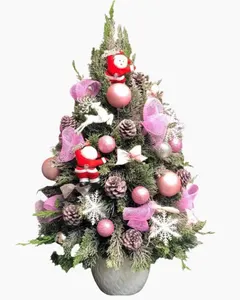








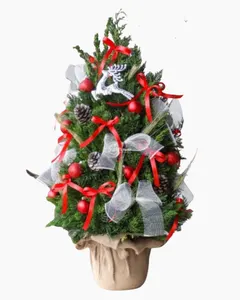
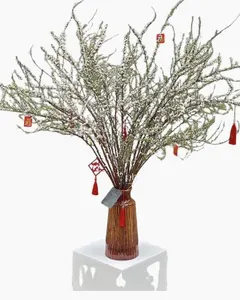















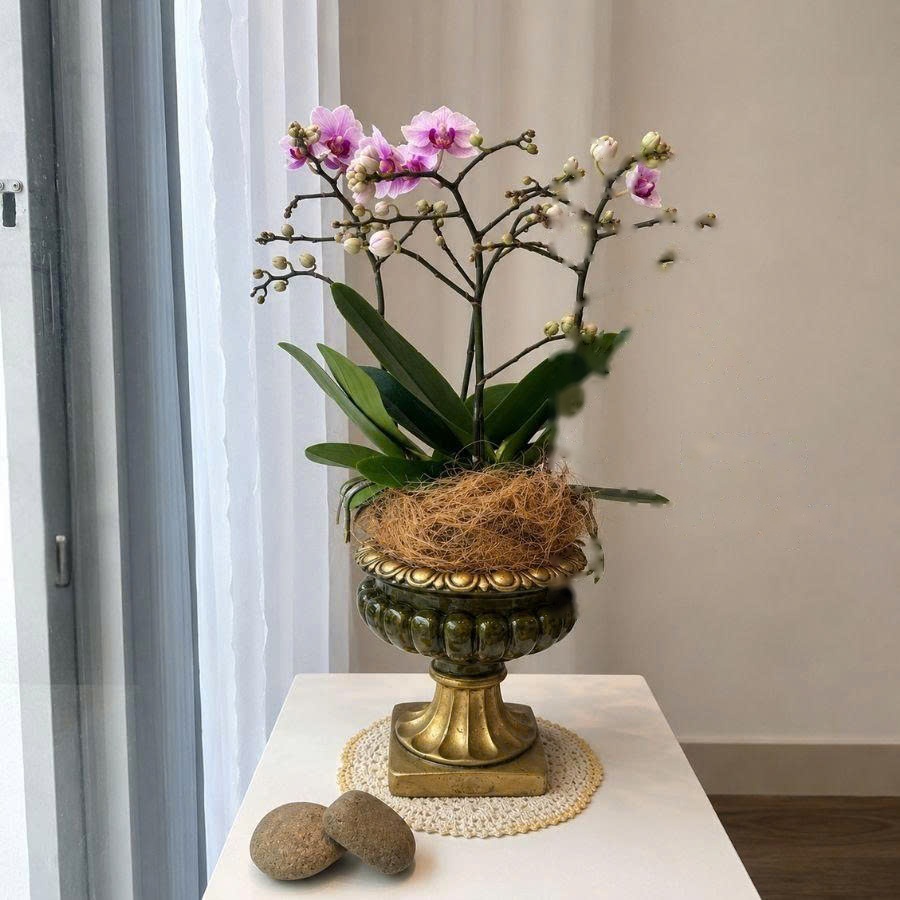





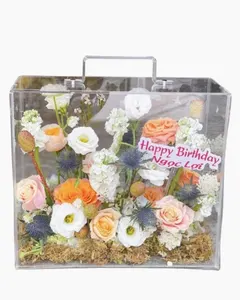
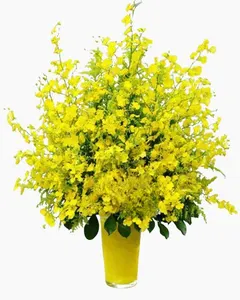



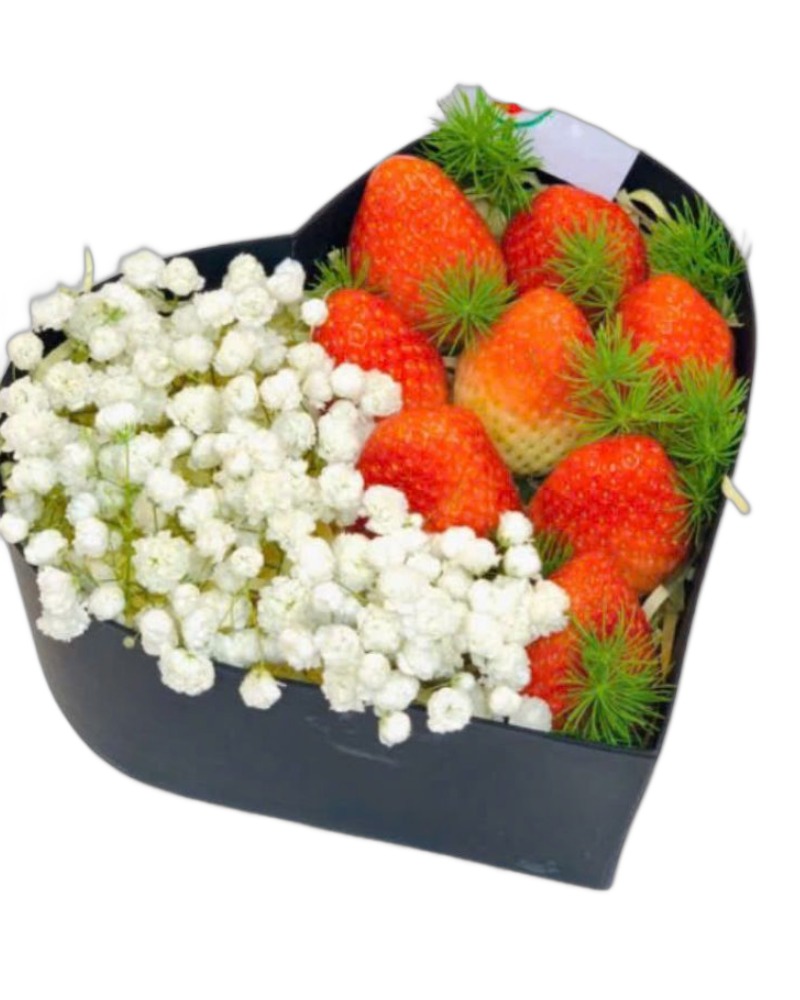








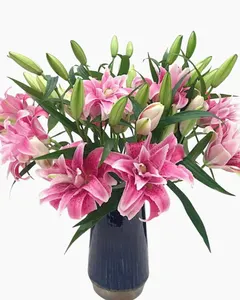









































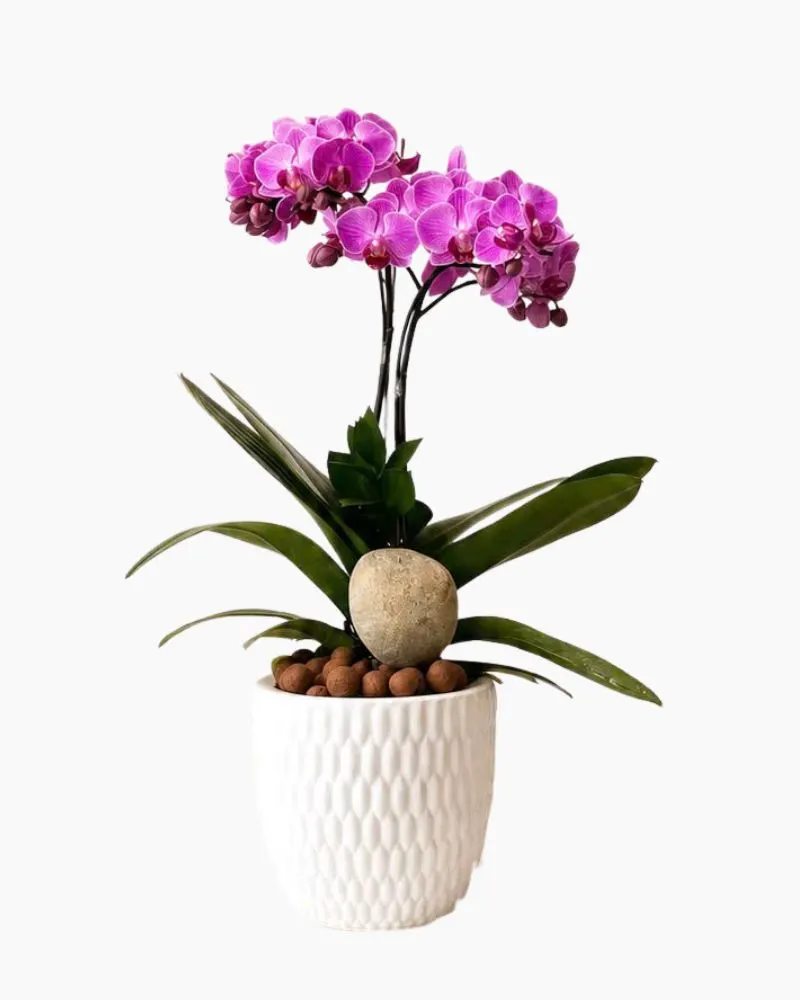
Do you sell print-on-demand (POD) shirts, mugs or prints, or run a dropshipping store on Shopify, WordPress, Haravan or Sapo? Your customers already buy gifts online. Adding fresh flowers and gifts delivered to the door in Vietnam is a way to grow revenue without finding a flower workshop or worrying about flowers wilting in transit. This article shows how to add Flosa products to your shop in a few minutes through the Sell with Flosa programme.
How it compares with POD and dropshipping
- The same: you hold no stock and deliver nothing. Flosa arranges the flowers, delivers anywhere in Vietnam and handles changes.
- Different: the customer pays directly on flosa.vn, so you never collect money on anyone’s behalf or deal with payment disputes. You earn 10% of the merchandise value once the order is delivered.
- No price changes: the price shown is Flosa’s price and delivery is calculated at checkout from the address. You do not add your own margin as in ordinary dropshipping.
Which customers will buy flowers through your shop?
- Customers buying matching shirts or anniversary gifts: add a bouquet delivered on the birthday or anniversary.
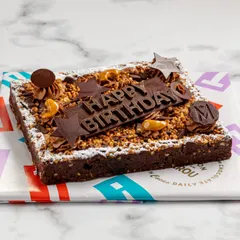
- Customers abroad sending gifts to family in Vietnam: flowers, birthday cakes and fruit baskets delivered to the door in every province.
- Business customers ordering logo-printed gifts: add grand-opening flower stands or phalaenopsis orchids for partners.
Adding products to your shop: 3 ways, pick the one that suits you
1. Shopify and Haravan: a Custom Liquid section
- Sign up for a partner code on the Sell with Flosa page.
- On that page, choose a category, the number of products and the language in the embed code builder, then click “Copy code”.
- Shopify: Online Store › Themes › Customize, add a Custom Liquid section, paste the code and save. Haravan: Website › Giao diện › Tuỳ chỉnh (Website › Theme › Customize), the same way.
The product grid keeps prices, photos and new designs up to date by itself. Each card opens a one-click buy link carrying your code. Choose English or another language if your customers are abroad.
2. WordPress and WooCommerce: the plugin
Download the plugin from the Sell with Flosa page, install it through Plugins › Add New › Upload Plugin, enter your partner code under Settings › Flosa Flowers, then place the shortcode [flosa_products collection="hoa-sinh-nhat-dep" limit="8"] on a page. The plugin fetches data on your server, which is good for SEO, and does not need WooCommerce.
3. Wix, Sapo, Ladipage, Blogger or a custom site
Paste the embed code into an HTML element. Developers can use the public read-only API to show products in their own design.
Commission and payouts
- 10% commission on the merchandise value after discounts. Delivery fees, holiday surcharges and VAT are not included.
- 30-day tracking from the moment a customer clicks your link; if they click links from several partners, the most recent click counts.
- Commission is confirmed once the order has been delivered (“Completed”) for 7 days and fully paid. Cancelled orders, reversed payments, test orders and orders you place through your own link earn nothing.
- Paid monthly, from 200,000 VND per payout, by Vietnamese bank transfer or an international payout option listed on your partner page, together with who pays the transfer fees. Flosa only asks for payout details after your first order.
If your shop is a registered business, choose “Business” when you sign up; when you have orders, enter your legal name, tax ID and an email for invoices.
Get your Flosa partner code: choose individual or business, enter your name and email, and the code arrives by email straight away, with no approval wait. How to add links, the embed code, the WordPress plugin and the API is explained on the Sell with Flosa page.
See also: Make money online with no capital: sell flowers and gifts with Flosa · Make money online as a beginner: flower and gift affiliate by season.